Crafting Memorable User Experiences with Intuitive Design

In the digital realm, the user’s journey through a website or application can be a defining factor in their overall satisfaction and the success of the platform. ‘Crafting Memorable User Experiences with Intuitive Design’ delves into the principles and practices that make an interface not just visually appealing, but also intuitively navigable, accessible, and trustworthy. The article sheds light on how these elements contribute to a user-friendly environment that can lead to higher conversion rates and foster user loyalty.
Key Takeaways
- Intuitive design is foundational to creating positive user experiences that enhance satisfaction and engagement.
- Consistency across interfaces reduces cognitive load, builds user trust, and contributes to a cohesive brand experience.
- Accessibility considerations are essential for inclusivity, broadening the reach of digital platforms to all users.
- Usability testing and user feedback are critical for refining navigation and ensuring the interface aligns with user expectations.
- Optimizing user experience for conversion requires a strategic alignment of design elements with user goals and continuous performance analysis.
The Pillars of Intuitive Design

Establishing a Uniform Design Language
A uniform design language is essential for crafting memorable user experiences. It encompasses a set of consistent design elements such as colors, typography, and iconography that communicate a brand’s ethos and facilitate user interaction. By standardizing these elements, users can navigate a product with ease, knowing what each symbol or color signifies.
- Establish a consistent color palette and typography.
- Define a set of reusable components and icons.
- Ensure that interactive elements like buttons and links are uniform.
A uniform design language not only streamlines the design process but also reinforces brand identity and improves user recognition.
Intuitive design focuses on user behavior, usability, microinteractions, privacy, and strategic planning for excellent user experiences. Understanding users and collaboration with data scientists are key to tailoring design elements that resonate with the target audience and meet their needs effectively.
Maintaining Consistency Across Interfaces
Consistency is the cornerstone of intuitive design and plays a pivotal role in creating a seamless user experience. By maintaining a uniform appearance and behavior across all interfaces, users can navigate with confidence, knowing what to expect with each interaction. This not only enhances usability but also reinforces brand identity.
To achieve this, consider the following steps:
- Establish a uniform design language, including consistent colors, fonts, and iconography.
- Maintain consistency in the placement of key elements, such as navigation bars and buttons.
- Use familiar patterns and conventions to avoid confusion.
Consistency across interfaces reduces the cognitive load on users, allowing them to focus on their tasks rather than on learning new layouts or functions.
Remember, intuitive design focuses on understanding user psychology, simplifying the user interface, and crafting memorable experiences. It is essential for enhancing usability, humanizing interactions, and optimizing for multidevice usage.
Leveraging Familiar Patterns and Conventions
In the realm of intuitive design, leveraging familiar patterns and conventions is a cornerstone for creating an environment where users feel at home. By utilizing design elements that users are accustomed to, we can significantly reduce the learning curve and enhance the overall user experience.
When users encounter familiar patterns, they navigate with greater confidence and efficiency, leading to a more satisfying interaction with the product.
For instance, adhering to the widespread ‘hamburger’ icon for menus or the magnifying glass for search functions are examples of these conventions. Below is a list of common patterns that have become industry standards:
- Navigation menus at the top or side of the page
- Logo placement in the top left corner, often doubling as a return to home
- Visually distinct call-to-action buttons
- Breadcrumb trails for hierarchical navigation
- Infinite scrolling on social media platforms
While these patterns provide a sense of familiarity, it’s important to balance convention with innovation. As highlighted in the article 7 Rules Of UX Design You Should Break Right Now, there are times when breaking away from the norm can lead to breakthroughs in user experience. However, any deviation from established patterns should be intentional and user-tested to ensure it adds value rather than confusion.
Navigating the User Experience
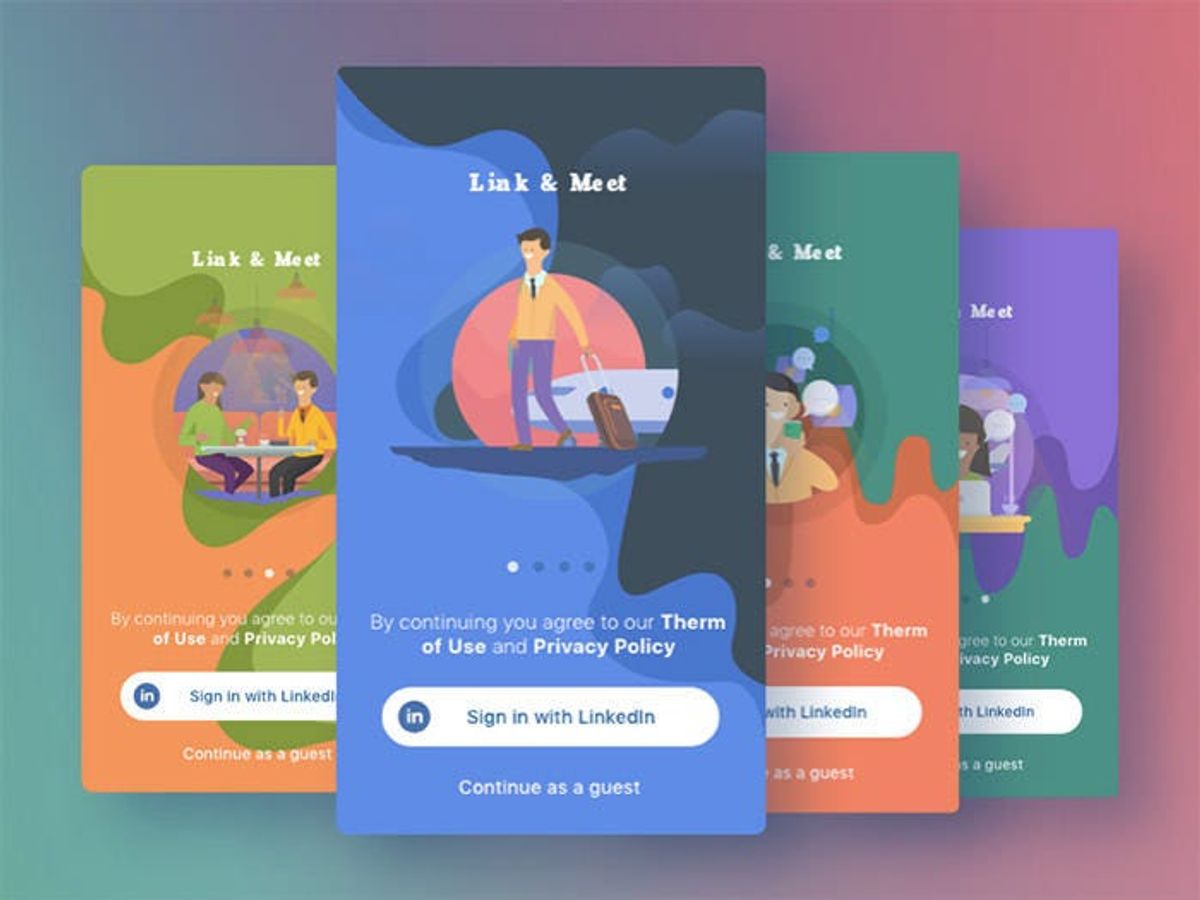
Simplifying Navigation Menus
Clear and intuitive navigation is crucial for a positive user experience. It serves as the backbone of user-friendly design, guiding users effortlessly to their desired content. To achieve this, navigation menus should be simple and organized, with user-friendly labels that avoid jargon. Implementing breadcrumb trails can further enhance the user’s ability to backtrack with ease.
By optimizing website navigation, we align it with both user expectations and business goals, leading to improved conversion rates.
Usability testing plays a pivotal role in refining navigation structures. It helps identify issues that could hinder user engagement and provides insights for continuous improvement. Below are some best practices for navigation design:
- Keep navigation menus simple and organized
- Prioritize user-friendly labels
- Implement breadcrumb trails for easy backtracking
- Conduct usability testing to address navigation issues
Creating a seamless user journey with balanced functionality and aesthetics is essential. A focus on user-centric design ensures a positive experience that encourages exploration and engagement.
Implementing Intuitive Labels and Breadcrumbs
Clear and intuitive labeling is a cornerstone of user-friendly design. It ensures that users can navigate your digital space with ease, finding exactly what they need when they need it. To achieve this, consider the following best practices:
- Use descriptive and concise labels that accurately reflect the content or action they represent.
- Avoid technical jargon that may not be familiar to all users.
- Implement breadcrumb trails to provide users with a clear path of their navigation journey, allowing for easy backtracking.
By simplifying the user’s journey with intuitive labels and breadcrumbs, we create a more engaging and efficient experience.
Conducting regular usability testing is essential to validate the effectiveness of your labels and breadcrumbs. Gather feedback to refine and improve the navigation experience continuously. Remember, the goal is to guide users intuitively, enhancing engagement and user retention.
Conducting Usability Testing for Enhanced Navigation
Usability testing is a critical step in ensuring that a website’s navigation is intuitive and user-friendly. By observing real users as they interact with the navigation, designers can identify pain points and areas for improvement. Conducting regular usability tests allows for iterative enhancements, making navigation more seamless over time.
Usability testing should focus on the efficiency and effectiveness of the navigation design, ensuring that users can effortlessly achieve their goals.
A typical usability test for navigation might include tasks such as finding a specific page or using the search function. The results can be organized in a simple table to highlight key metrics:
| Task | Success Rate | Time to Complete |
|---|---|---|
| Find product page | 85% | 30s |
| Use search | 90% | 25s |
| Locate contact information | 75% | 45s |
These metrics provide actionable insights into how users are interacting with the site and where they may be experiencing difficulties. By addressing these issues, businesses can improve user satisfaction and potentially increase conversion rates.
Accessibility: Designing for All Users

Ensuring Inclusivity in Digital Spaces
In the realm of digital accessibility, inclusivity is not just a buzzword; it’s a fundamental aspect of user experience design. Ensuring that digital products are accessible to all users, including those with disabilities, is a critical step in creating an environment where everyone can participate without barriers. This approach not only aligns with ethical standards but also broadens the market reach and enhances the overall brand reputation.
Accessibility in UX design is about making every user’s interaction as smooth and frustration-free as possible.
To achieve this, several guidelines can be followed:
- Provide alternative text for images to convey meaning for screen reader users.
- Ensure keyboard navigation is possible for those unable to use a mouse.
- Optimize content for screen readers to make textual information accessible.
- Regularly conduct accessibility audits to identify and fix potential issues.
By integrating these practices into the design process, we ensure that our digital landscapes not only meet but exceed user expectations, creating experiences that are intuitive, engaging, and adhere to the highest standards of user-centric design.
Adhering to Accessibility Best Practices
In the realm of digital design, accessibility is the gateway to inclusivity. It’s about creating experiences that are usable by people of all abilities, ensuring that no one is left behind. To achieve this, designers must integrate accessibility into their workflow from the outset, considering elements such as alternative text for images, keyboard navigation, and content optimization for screen readers.
- Provide alternative text for images to assist users with visual impairments.
- Ensure keyboard accessibility for users who rely on keyboard navigation.
- Use proper heading structures to aid screen readers in interpreting content.
By incorporating these best practices, designers not only adhere to ethical standards but also broaden their audience, making their products more inclusive and potentially increasing their user base.
Designing for usability and accessibility should be seen as an essential aspect of the design process, not an afterthought. Guidelines that include reachable elements, sufficient color contrast, and engaging microinteractions contribute to creating interfaces that resonate with all users.
Regular Accessibility Audits and User Feedback
To ensure that digital products are accessible to everyone, regular accessibility audits and user feedback are indispensable. These audits involve a comprehensive assessment of the website or application to identify and rectify barriers that might prevent people with disabilities from using the product effectively.
Conducting these audits is not a one-time task but an ongoing process that should be integrated into the development lifecycle. It is crucial to involve users with disabilities in the testing phase to gather authentic feedback and insights.
The following list outlines some key steps in performing an accessibility audit:
- Reviewing the website against the WCAG (Web Content Accessibility Guidelines)
- Checking for keyboard navigation and screen reader compatibility
- Ensuring high contrast and text resizing options are available
- Validating the implementation of alternative text for images
- Testing with real users to gain valuable feedback
By prioritizing accessibility, organizations demonstrate their commitment to user-centered design and inclusivity. This not only benefits users with disabilities but also enhances the overall user experience for everyone.
The Impact of Consistency on User Trust
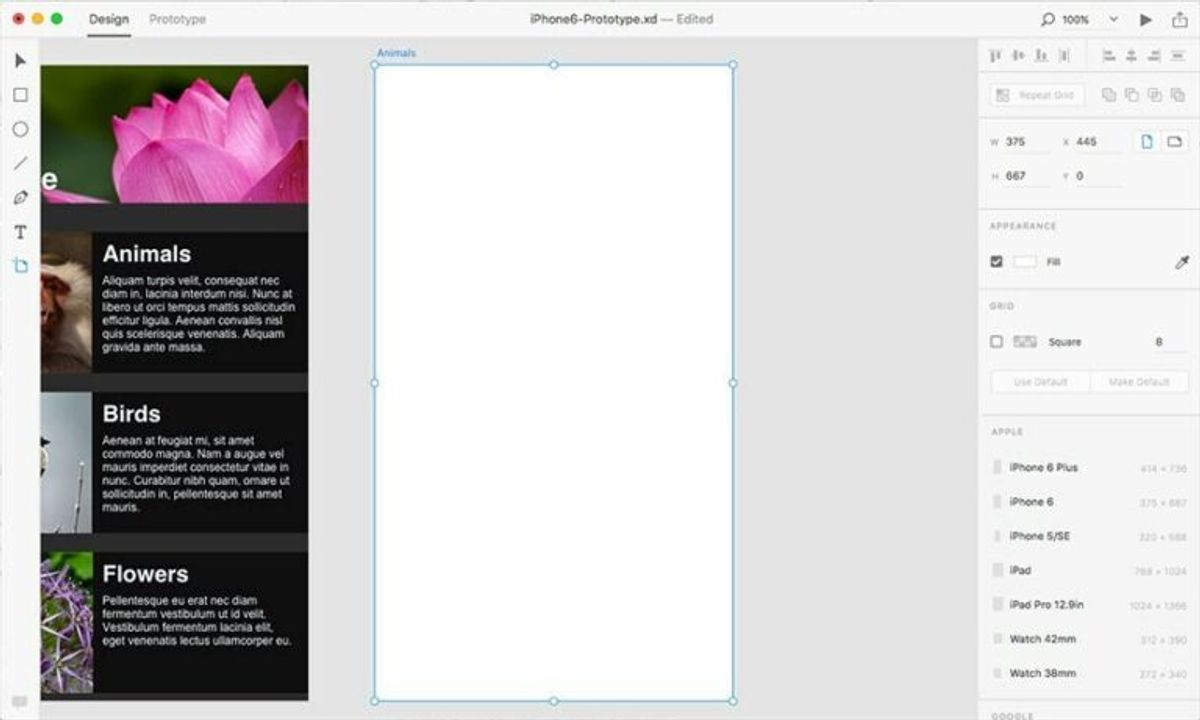
Creating a Cohesive Brand Experience
A cohesive brand experience is the cornerstone of building trust with users. Employees play a crucial role in this process, as they are the ambassadors of the brand’s values and mission. By ensuring that every touchpoint reflects the brand’s identity, companies can create a seamless experience that resonates with customers.
UX design impacts user retention by fostering brand loyalty through intuitive design, satisfying interactions, and consistent user experience across platforms. A unified approach to design helps users navigate with ease, making them more likely to return and engage with the brand.
A well-crafted user experience is a powerful tool for reinforcing brand identity. It’s not just about aesthetics; it’s about creating a connection that feels familiar and reliable to the user.
To achieve this, consider the following steps:
- Establish a clear brand guideline that all employees can follow.
- Train staff regularly to ensure they are aligned with the brand’s vision.
- Monitor and iterate on user feedback to continuously refine the experience.
Ultimately, a cohesive brand experience is about creating a consistent narrative that users can trust, leading to a loyal customer base and a strong brand reputation.
Building Trust Through Predictable Interactions
Trust is the cornerstone of any relationship, including the one between users and digital interfaces. Predictable interactions foster a sense of reliability and safety, encouraging users to continue engaging with a product. When users know what to expect, they can navigate with confidence, making their experience not only pleasant but also efficient.
Predictability and consistency in user experience design, along with effective feedback mechanisms, are crucial for building trust and satisfaction among users.
Here are some tips to ensure predictability in your design:
- Use consistent terminology and icons throughout your application.
- Implement familiar interface patterns that users recognize.
- Provide clear feedback for user actions to confirm their success or explain errors.
By adhering to these principles, designers can create a digital environment where users feel in control. This sense of empowerment is key to building long-term trust and loyalty.
The Role of Consistency in Reducing Cognitive Load
Consistency in design serves as a silent guide for users, allowing them to navigate digital products with ease. By maintaining a predictable environment, users can focus on their tasks without the distraction of unexpected changes. This reduction in cognitive load is not just about comfort; it’s about efficiency and effectiveness in interaction.
Consistency is key to a seamless user experience. It minimizes the need for users to relearn interfaces and controls, which in turn speeds up their ability to complete tasks.
To achieve this, designers should adhere to a set of best practices:
- Use a uniform design language for icons, buttons, and typography.
- Ensure that interactive elements behave the same across different parts of the application.
- Apply consistent styling and positioning for common components like navigation bars and side menus.
These steps help create an intuitive experience that users can trust, leading to a more satisfying interaction with the product.
Optimizing Conversion Through Intuitive UX

Aligning Design with User Goals
To create an intuitive user experience, it’s essential to align the design with the user’s goals. This alignment ensures that the user’s journey through the website or application is logical, efficient, and meets their expectations. By understanding the business vision and the user’s needs, designers can craft a pathway that guides users to their desired outcomes with minimal friction.
- Understand the Business Vision
- Prioritize User Needs
- Create Logical Pathways
- Minimize User Friction
A user-centric design approach is the linchpin of success. It’s not just about aesthetics; it’s about creating a seamless interaction that resonates with the user on a personal level.
Incorporating feedback from usability testing and analytics is crucial for continuous improvement. By analyzing user behavior, designers can refine the user experience to better align with user goals, ultimately optimizing conversion rates.
Streamlining the Path to Conversion
To enhance engagement and build trust, it’s crucial to prioritize the user experience throughout the conversion path. By reducing friction and simplifying the user journey, businesses can see a substantial increase in conversions. This involves a meticulous approach to design, ensuring that each step is intuitive and leads the user closer to the desired action.
- Clear and intuitive navigation is the backbone of a user-friendly experience, allowing users to effortlessly find what they’re looking for.
- A user-centric design approach fosters an emotional connection and encourages further exploration and engagement.
- Performance optimization is key, as faster loading times can significantly improve conversion rates.
Streamlining the path to conversion is not just about aesthetics; it’s about creating a seamless flow that aligns with user expectations and business goals.
Regularly tracking and measuring user interaction provides valuable insights for continuous improvement. Implementing tools that analyze conversions and performance helps in identifying opportunities for further optimization.
Leveraging Analytics for Continuous Improvement
The integration of analytics into the design process is a game-changer for continuous improvement. Analytics drive continuous improvement in user-centric web design, providing actionable insights that can lead to enhanced user experiences. Tools like heatmaps and session recordings are invaluable for revealing user behavior patterns, which can then be used to refine and optimize the design.
By systematically analyzing user interactions and feedback, designers can iterate on their work, ensuring that the user experience is always evolving to meet user needs.
Transparency and clear communication are essential, especially when it comes to privacy policies related to user data. Users need to trust that their information is being handled responsibly, which in turn fosters a deeper trust in the brand itself. Below is a list of key steps for leveraging analytics effectively:
- Implement tracking tools to gather data on user behavior.
- Analyze the data to identify patterns and areas for improvement.
- Make data-driven decisions to enhance the user interface and experience.
- Communicate changes and updates to users, maintaining transparency.
- Continuously monitor the impact of changes and iterate further.
Unlock the full potential of your online presence with our expert WordPress Development and intuitive UX design services. At the heart of a successful website is a seamless user experience that not only looks great but also drives conversions. Don’t let your site be just another URL lost in the vastness of the internet. Elevate your brand with a website that’s optimized for performance, designed for conversion, and tailored to your unique needs. Ready to transform your digital strategy? Visit our website and discover how our dedicated team can help you achieve your business goals. Let’s create something amazing together!
Conclusion
In the realm of digital design, the creation of intuitive and memorable user experiences is paramount. Throughout this article, we’ve explored the multifaceted nature of user experience design, emphasizing the importance of a user-centric approach that prioritizes usability, accessibility, and desirability. By examining various case studies and best practices, we’ve seen how consistency in design language, seamless navigation, and responsive interfaces contribute to a positive user experience that not only meets but exceeds user expectations. As we continue to navigate the ever-evolving digital landscape, let us remember that at the heart of every successful digital platform is an experience thoughtfully crafted to be intuitive, engaging, and valuable to the user. The impact of such experiences is profound, fostering user satisfaction, loyalty, and conversion—ultimately driving the success of digital products in a competitive market.
Frequently Asked Questions
What is intuitive design in user experience (UX)?
Intuitive design in UX refers to creating interfaces that are easy to understand and use without requiring extensive learning or instruction. The goal is to align with users’ expectations and behaviors, leveraging familiar patterns and conventions to facilitate a seamless interaction.
Why is consistency important in user interface design?
Consistency in user interface design is crucial because it establishes a predictable and familiar environment for users. This reduces cognitive load, making it easier for users to navigate, learn, and engage with the interface, ultimately building trust and improving the overall user experience.
How does accessibility impact user experience?
Accessibility ensures that digital products are usable by people with a wide range of abilities and disabilities. By designing for accessibility, you create inclusive experiences that cater to all users, regardless of their physical or cognitive abilities, thereby expanding your audience and enhancing user satisfaction.
What are the benefits of conducting usability testing?
Usability testing allows designers to observe real users interacting with their product, identifying areas of confusion, frustration, or difficulty. This feedback is invaluable for making informed improvements to the design, ensuring that the final product is user-friendly and meets the needs of the target audience.
How can intuitive UX design optimize conversion rates?
Intuitive UX design can optimize conversion rates by streamlining the path to conversion, reducing user frustration, and making it easier for users to complete desired actions. A well-designed interface aligns with user goals and simplifies decision-making, leading to a higher likelihood of conversion.
What role does analytics play in continuous UX improvement?
Analytics provides data on how users interact with a digital product, highlighting patterns, behaviors, and areas for improvement. By leveraging this data, designers can make evidence-based decisions to refine the user experience, continuously adapting and enhancing the product to better meet user needs.