Optimizing Website Performance for Faster Load Times
In today’s digital landscape, website performance is critical for user satisfaction and SEO rankings. The article ‘Optimizing Website Performance for Faster Load Times’ delves into various strategies to enhance the speed and efficiency of websites. From image optimization and leveraging caching to streamlining scripts and managing external integrations, the article provides a comprehensive guide to achieving swift load times. Advanced techniques such as optimizing the critical rendering path and adopting a performance-first design philosophy are also explored to help web developers and site owners deliver the best possible online experience.
Key Takeaways
- Optimizing images by choosing the right format, resizing, and compression can significantly reduce load times without sacrificing quality.
- Caching, including browser and server-side techniques, plays a crucial role in enhancing website performance and user experience.
- Minifying and combining CSS and JavaScript files, along with asynchronous or deferred loading, can streamline page rendering.
- Balancing the functionality and performance impact of external scripts and third-party integrations is essential for optimal website operation.
- Employing advanced optimization methods like critical rendering path optimization and regular performance monitoring can lead to a significant boost in website speed and reliability.
Essential Strategies for Image Optimization

Understanding File Formats and Compression
Choosing the right image file format is a cornerstone of image optimization. JPEGs, known for handling complex color variations, are widely used for photographs. PNGs, on the other hand, are ideal for images requiring transparency or sharp edges, such as logos. SVGs excel in scalability, perfect for icons and simple graphics. Each format employs distinct compression methods to reduce file sizes while maintaining image integrity.
Lossless and lossy are the two primary compression techniques. Lossless preserves image quality perfectly, while lossy reduces file size by slightly degrading quality. Tools like TinyPNG and ImageOptim automate this process, supporting various formats and ensuring efficient data transfer.
It’s essential to compress images before they make their way to your web server. This step is crucial for enhancing website performance, as it directly impacts the amount of data transferred between the server and the user’s device.
Understanding server-supported compression options, such as Brotli and Gzip, can further optimize your website’s load times. While Gzip is more common, Brotli offers superior compression and is gaining traction. Implementing these can often be as simple as adding a few lines of code or enabling a utility on your server.
Implementing Responsive Image Solutions
In the pursuit of faster page speeds, implementing responsive image solutions is a critical step. This approach ensures that images are served in appropriate sizes, reducing unnecessary data transfer and enhancing the user experience across various devices.
- Image compression is a foundational technique, shrinking file sizes while maintaining visual quality. Tools like ImageOptim, JPEGmini, or Kraken can automate this process.
- Adaptive design techniques allow images to adjust dynamically to screen sizes, utilizing HTML attributes like
srcsetandsizes. - Lazy loading defers the loading of images until they are needed, conserving bandwidth and accelerating initial page loads.
- Integrating Content Delivery Networks (CDNs) can further optimize image delivery, serving images from locations closer to the user to minimize latency.
By focusing on responsive image solutions, you not only improve load times but also contribute to a seamless user experience, which can positively influence search engine rankings and user satisfaction.
Remember to regularly audit your media library, removing unused images and organizing content effectively. Embracing these practices will lead to a noticeable improvement in your website’s performance, aligning with best practices for website image optimization.
Automating Image Optimization with Tools and Plugins
Automating the process of image optimization is a game-changer for website performance. Tools like ImageOptim, JPEGmini, and Kraken.io streamline the task, significantly reducing image file sizes without sacrificing quality. This not only improves page load times but also positively impacts SEO rankings.
Here are some popular image optimization plugins and their features:
- Smush Image Compression & Optimization: Offers bulk image compression, lazy loading, and incorrect size image detection.
- Fast Velocity Minify: Focuses on minifying scripts but also assists with image optimization.
- Autoptimize: Provides image optimization alongside script minification and caching features.
By integrating these tools into your website’s workflow, you can ensure that all images are automatically optimized as they are uploaded, saving time and maintaining a consistent standard of performance.
Remember, optimizing images is crucial for website performance, enhancing both speed and user experience. Regularly monitoring and managing your image assets can prevent them from becoming a bottleneck in your site’s load time.
Leveraging Caching for Enhanced Performance
The Role of Browser Caching in Speed Improvement
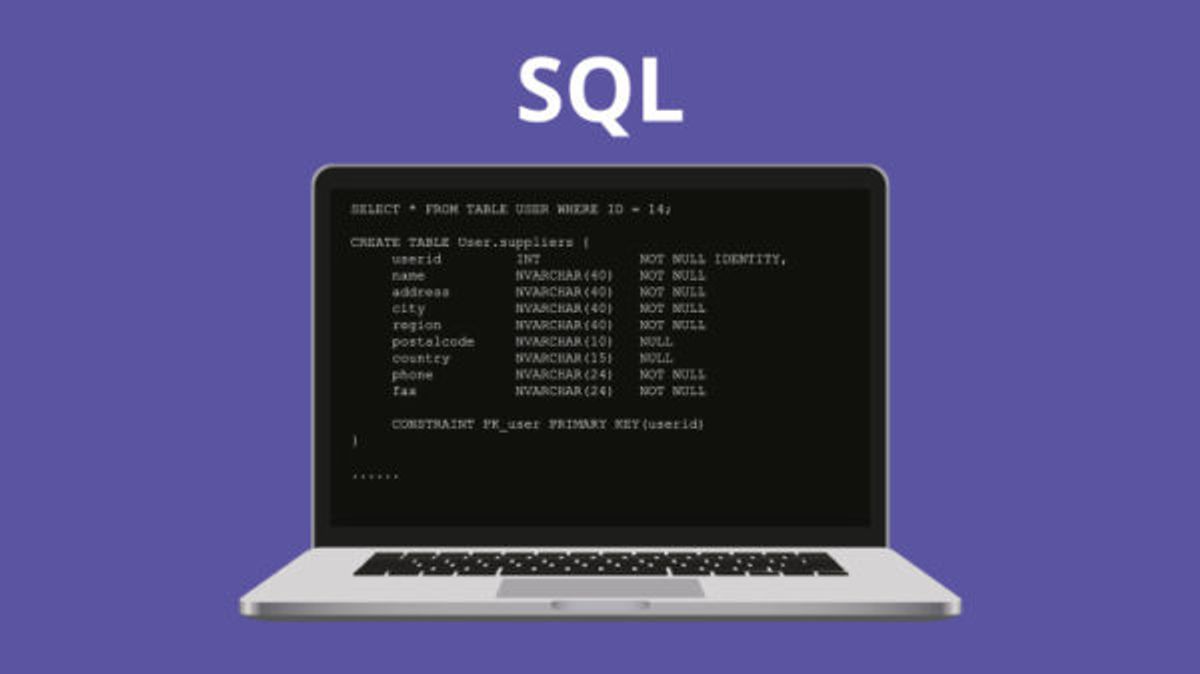
Browser caching is a powerful tool in the web performance toolkit. By storing frequently accessed resources like CSS, JavaScript, and images on the visitor’s device, browser caching reduces the number of server requests needed when a user revisits a page. This not only speeds up page load times but also decreases server load, leading to a smoother user experience.
Configuring cache-control headers for static assets is crucial. Regular updates to these settings ensure that users receive the most current versions of resources without unnecessary delays.
Here are some benefits of effective browser caching:
- Faster page loading for repeat visits
- Reduced bandwidth consumption
- Improved user experience due to quicker interactions
- Decreased server load, allowing for better scalability
It’s important to strike a balance between caching duration and content freshness. Too long a cache time can lead to stale content, while too short may not offer significant performance gains.
Server-Side Caching Techniques
Server-side caching is a powerful strategy to accelerate webpage loading times and reduce the load on the server. By storing content on the server, subsequent requests for the same data can be served much faster. This is achieved through various techniques, including configuring cache headers and using compression methods to minimize the size of the stored data.
- Configuring Cache Headers: Properly set cache headers inform the browser how long to keep the data, which can significantly decrease the number of requests to the server.
- Compression Methods: Implementing GZIP compression reduces the size of the cached content, allowing for quicker transmission over the network.
Server-side caching not only improves the performance of a website but also enhances the user experience by providing faster access to content.
It’s important to tailor caching strategies to the specific needs of your website. For WordPress sites, plugins like W3 Total Cache or WP Super Cache can be utilized. On VPS or dedicated servers, caching settings can be adjusted within the general server configurations. However, shared hosting environments may offer limited caching options.
Content Delivery Networks (CDNs) and Their Impact
Content Delivery Networks (CDNs) are instrumental in reducing latency and accelerating content delivery to users worldwide. By caching content on multiple servers across different locations, CDNs ensure that users receive data from the closest server, thereby improving page load times.
CDNs not only enhance user experience by speeding up content delivery but also help in bandwidth cost savings and scaling resources during traffic spikes.
Some of the key benefits of using CDNs include:
- Decreased server load: Distributing traffic across a network of servers prevents any single server from becoming a bottleneck.
- Enhanced reliability: CDNs can reroute traffic in the event of a server failure, maintaining website availability.
- Global reach: No matter where your users are, they get a fast and consistent experience.
Choosing the right CDN provider is crucial, as they offer different features such as CDN protocol support and real-time analytics. It’s important to select a provider that aligns with your website’s needs and performance goals.
Minimizing and Streamlining Scripts
The Importance of Minifying CSS and JavaScript
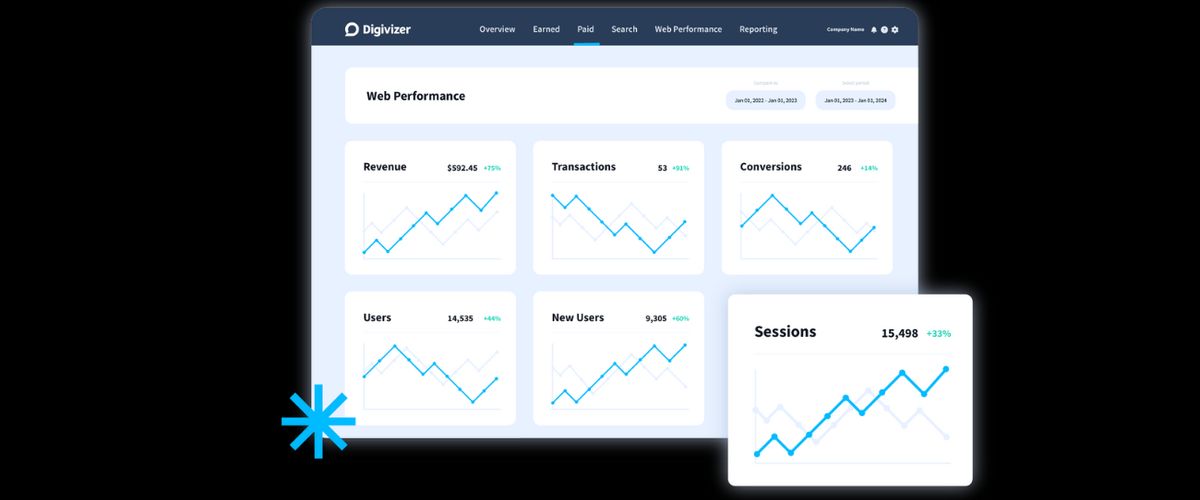
Minification is a crucial step in optimizing website performance. By removing unnecessary characters, whitespace, and comments, the size of CSS and JavaScript files is significantly reduced. This process leads to faster loading times and a more efficient use of bandwidth, particularly important for users on slower internet connections.
- Tools such as UglifyJS, Clean-CSS, and HTMLMinifier are instrumental in this process. They not only minify the code but also ensure that it remains functional and error-free.
- To achieve optimal results, developers should combine minification with other practices like grouping all JavaScript and CSS files, which further reduces HTTP requests.
Minifying scripts is not just about improving load times; it’s about enhancing the overall user experience. A faster website can lead to increased user satisfaction and higher retention rates.
Remember, a methodical yet flexible approach to web development can make a significant difference. From the initial design to post-launch monitoring, every step should contribute to a standout digital experience.
Combining Files to Reduce HTTP Requests
Every HTTP request that a browser makes to a server takes time, which can add up and result in slower page load times. By combining multiple CSS or JavaScript files into a single file, we can significantly reduce the number of HTTP requests, thereby speeding up the website. This practice is known as concatenation.
Tools like Gulp, Grunt, and Webpack streamline the process of combining files. They not only concatenate files but also offer minification features to further reduce file size. Here’s a simple list of steps to follow for effective file combination:
- Identify all CSS and JavaScript files used on your website.
- Use a tool to concatenate these files into as few files as possible.
- Minify the combined files to reduce their size without affecting functionality.
- Implement the combined and minified files into your website’s code.
While the initial setup for file combination might require some effort, the performance gains are well worth it. Not only does it improve load times, but it also simplifies the management of your website’s resources.
Asynchronous and Deferred Loading of Scripts
Optimizing the loading of JavaScript is crucial for improving website performance. Using ‘async’ and ‘defer’ attributes in script tags can significantly enhance page responsiveness by allowing the browser to continue parsing HTML while scripts are being downloaded in the background. This method prevents the blocking of page rendering, which is common with traditional synchronous loading.
-
Asynchronous loading: Scripts with the
asyncattribute are executed as soon as they are downloaded, without waiting for the entire page to load. This is ideal for scripts that do not depend on other scripts and do not modify the DOM immediately. -
Deferred loading: Scripts with the
deferattribute are executed only after the entire document has been parsed. This is suitable for scripts that need the full DOM to be available and do not need to execute immediately.
By strategically implementing async and defer, developers can ensure that critical content is displayed to users as quickly as possible, while less critical scripts are loaded without interfering with the initial page load.
It’s important to note that while these attributes can improve load times, they should be used judiciously to avoid potential issues with script execution order. Careful testing is essential to ensure that the user experience remains seamless.
Optimizing External Scripts and Third-Party Integrations

Balancing Functionality with Performance
When integrating external scripts into your website, it’s crucial to strike a balance between the added functionality they provide and the potential performance hit they may cause. Optimizing external script usage involves assessing script impact, prioritizing, lazy loading, and minimizing third-party scripts for improved website speed and user experience. This balance is not always easy to achieve, as each script can add to the load time, but with careful consideration and strategic implementation, it’s possible to maintain a swift, responsive site.
It’s essential to regularly review the necessity and efficiency of each script. If a script is not providing significant value or is causing a noticeable slowdown, it may be time to reconsider its use.
Here are some steps to consider in managing external scripts efficiently:
- Assess the impact of each script on load times and user experience.
- Prioritize essential scripts and defer or asynchronously load non-critical ones.
- Use lazy loading techniques to delay loading scripts until they are needed.
- Minimize the use of third-party scripts by finding native alternatives or bundling multiple functionalities into a single script where possible.
Monitoring Third-Party Script Impact
Identifying and evaluating the performance impact of third-party scripts is crucial for maintaining a swift website experience. Regular monitoring is essential to ensure that these scripts do not become a bottleneck for page load times. Here are some steps to effectively monitor third-party scripts:
- Utilize developer tools in browsers to track script loading and execution times.
- Employ web performance services that can provide insights into third-party script behavior.
- Set performance budgets for scripts to keep their impact in check.
- Review script updates and changes regularly to catch any performance regressions.
By proactively managing third-party scripts, you can prevent them from dragging down your site’s performance, ensuring a seamless user experience.
It’s also important to balance functionality with performance. While third-party scripts can add valuable features to your site, they should not compromise load times. Prioritize scripts that offer the most value to your users and consider alternatives for those with a high performance cost.
Strategies for Efficient External Script Management
To optimize website performance, it’s crucial to manage external scripts effectively. This involves reducing the number of external HTTP requests and being selective with third-party integrations. By following best practices for script management, we prioritize user experience and ensure faster load times.
- Asynchronous loading of JavaScript files can prevent page rendering delays, enhancing the webpage’s responsiveness.
- Minifying scripts and combining files are essential steps in reducing HTTP requests and improving site load times.
- Regularly monitoring the impact of third-party scripts can help in making informed decisions about their necessity.
Efficient script management is not just about improving load times; it’s about creating a seamless user experience that keeps visitors engaged.
By implementing these strategies, we can significantly reduce the load on server resources, minimize security risks, and improve overall site performance. Remember, every script added to your website should add value and not detract from the user experience.
Advanced Techniques and Considerations for Performance Optimization

Critical Rendering Path Optimization
Optimizing the Critical Rendering Path is essential for improving the time it takes for a user to see and interact with your website. By prioritizing the loading of essential resources, you can significantly enhance the perceived performance of your site. This involves a series of steps that include minimizing critical resources, deferring their download, optimizing the processing of HTML, CSS, and JavaScript, and reducing server response times.
- Minimize critical resources: Identify and reduce the number and size of the resources that are required to render the initial view of a page.
- Defer the download of non-critical resources: Load essential resources first and defer others to ensure that the browser can quickly render the page.
- Optimize processing: Streamline the parsing and execution of HTML, CSS, and JavaScript to speed up rendering.
- Reduce server response times: Implement server-side optimizations to respond to requests as quickly as possible.
Emphasizing the optimization of the Critical Rendering Path can lead to a more responsive and engaging user experience, which is crucial for retaining visitors and improving conversion rates.
Utilizing Performance Monitoring Tools
To ensure that a website remains efficient and user-friendly, utilizing performance monitoring tools is indispensable. These tools offer real-time insights into how a website behaves under various conditions, highlighting areas that require optimization. For instance, they can track key metrics such as First Contentful Paint (FCP) and Largest Contentful Paint (LCP), which are critical for understanding perceived performance from a user’s perspective.
Performance monitoring tools are not just about identifying problems; they are about proactive improvement and maintaining a standard of excellence in website performance.
By regularly analyzing performance data, webmasters can make informed decisions to enhance the user experience. This ongoing process supports scalability and ensures that user satisfaction remains high. A selection of popular tools includes Google PageSpeed Insights, GTmetrix, and Pingdom, each offering unique features to assist in this endeavor.
- Google PageSpeed Insights: Provides performance scores and actionable recommendations.
- GTmetrix: Offers detailed reports and historical performance data.
- Pingdom: Focuses on uptime, performance, and interactions from a user’s perspective.
Incorporating these tools into a regular maintenance routine can lead to significant improvements in website responsiveness and overall performance.
Adopting a Performance-First Web Design Philosophy
Embracing a performance-first web design philosophy is crucial for creating websites that not only look good but also function efficiently. This approach prioritizes the optimization of every aspect of the website from the outset, ensuring that performance is not an afterthought but a fundamental principle.
- Simplicity and Clarity: Keep designs clean and focused on essential elements to reduce load times and enhance user experience.
- Visual Hierarchy: Structure content to guide users naturally through the site, improving navigation and speed of interaction.
- Mobile Responsiveness: Design with mobile users in mind to ensure fast loading times across all devices.
- Accessibility: Make your site usable for everyone, which can also positively affect performance.
By integrating performance considerations into the design process, you can avoid common pitfalls that slow down your site. This includes excessive use of large images, unoptimized scripts, and over-reliance on third-party integrations. A performance-first approach leads to a more streamlined, user-friendly website that ranks better in search engines and keeps visitors engaged.
Remember, a fast-loading website is more likely to retain visitors and convert them into customers. Regularly review and apply web design principles that influence website page speed, responsiveness, and reliability to maintain optimal performance.
In the realm of web development, employing advanced techniques and meticulous considerations for performance optimization can significantly elevate your online presence. Our team at AM2 specializes in custom WordPress development, ensuring your website is not only visually stunning but also blazing fast and SEO-friendly. Don’t let your website’s potential go untapped. Visit our website to explore our comprehensive services, including performance optimization, and let’s work together to make your digital dreams a reality.
Conclusion
In conclusion, optimizing website performance is not just a technical necessity but a critical component of user satisfaction and business success. Techniques such as image optimization, caching, minifying scripts, and prudent use of external scripts can lead to significant improvements in load times. Remember, a faster website not only retains visitors but also contributes to higher search engine rankings and better conversion rates. By implementing the strategies discussed, you can ensure that your website offers a swift, efficient, and enjoyable experience to all users. Keep in mind that website optimization is an ongoing process, and regular monitoring and updates are key to maintaining optimal performance.
Frequently Asked Questions
What are the best strategies for image optimization on websites?
Optimize images by choosing the correct file format (JPEG for photos, PNG for graphics), resizing to the correct dimensions, and compressing them without losing quality. Consider using tools or plugins for automation and implementing lazy loading to only load images when they become visible to the user.
How does caching improve website performance?
Caching stores frequently accessed data, reducing the need to generate the same content for each visit. This results in faster load times and improved performance, as the server workload is decreased and content is delivered more quickly to the user.
Why is it important to minify CSS and JavaScript files?
Minifying CSS and JavaScript files removes unnecessary characters, spaces, and comments, leading to reduced file sizes. This process results in quicker data transfer, faster page rendering, and improved website loading times, enhancing user experience.
What impact do external scripts have on website performance?
External scripts can slow down page loading times as they add additional HTTP requests and processing time. Minimizing their use, optimizing their loading (e.g., asynchronously), and monitoring their performance can mitigate their impact and improve site speed.
How can website design influence performance optimization?
A performance-first web design philosophy prioritizes loading essential elements first, optimizing the critical rendering path, and ensuring that the design is responsive and lightweight. This approach leads to faster load times and a better user experience.
What tools can help with website performance monitoring?
Tools like Google PageSpeed Insights, Pingdom, and GTmetrix can provide insights into website performance, identify bottlenecks, and offer actionable recommendations for improvements. Regular monitoring with these tools helps maintain optimal website speed.