User-Centric Website Design Approach for Engaging User Experience

In the digital age, creating a website that not only looks good but also provides an exceptional user experience is crucial for success. A user-centric design approach places the user’s needs and preferences at the forefront, ensuring that every aspect of the website is optimized for engagement and usability. This article explores the key principles and strategies that underpin a user-centric website design approach, aiming to help designers and developers craft websites that resonate with their audience and drive meaningful interactions.
Key Takeaways
- A user-centric design approach is essential for creating engaging and effective websites that meet user needs and drive conversions.
- Understanding user preferences and implementing usability heuristics are foundational to designing intuitive and accessible user interfaces.
- Responsive and adaptive design strategies are critical for optimizing user experience across different devices and platforms.
- Effective website navigation, characterized by intuitive menus and clear labeling, plays a key role in user retention and conversion.
- The design process should be iterative, addressing user pain points and continuously improving based on post-launch feedback and monitoring.
Principles of User-Centric Design
Understanding User Needs and Preferences
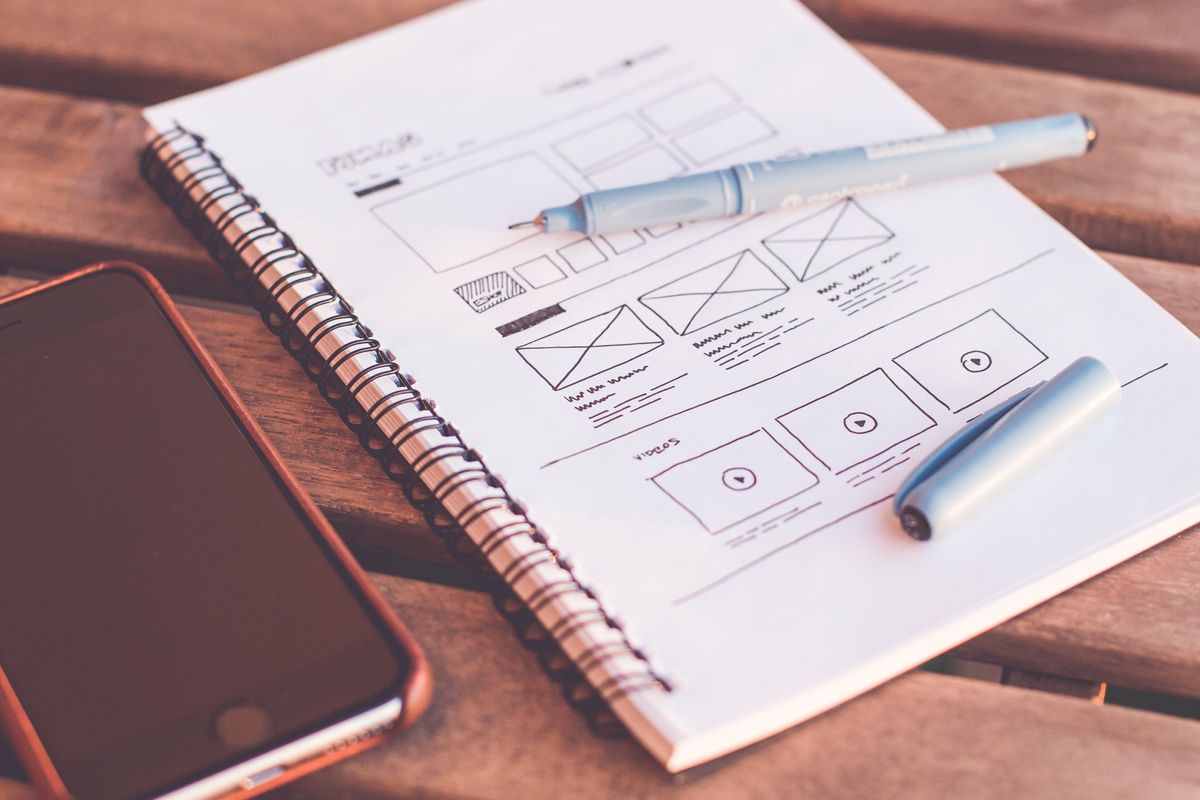
To create a truly user-centric website, it’s essential to delve into the specific needs and preferences of your audience. This involves conducting user research to gather insights and feedback directly from your target audience. By understanding their pain points and expectations, you can tailor your website to meet their demands more effectively.
A deep understanding of user needs not only informs the design process but also guides the creation of content and functionality that resonates with users.
Creating user personas is a powerful technique to embody the characteristics of your ideal users. These semi-fictional profiles help in visualizing the end user’s perspective, ensuring that the design and content align with their expectations. Below is a list of benefits that user personas offer:
- Facilitating empathy with the user during the design process
- Streamlining communication within the design and development team
- Ensuring content relevance and targeting
- Meeting the evolving expectations of users
Remember, a user-centric approach is not a one-time effort but a continuous process of testing, learning, and iterating to enhance the user experience.
Implementing Usability Heuristics
In the realm of user-centric design, usability heuristics serve as a compass guiding designers and developers towards creating intuitive and user-friendly interfaces. These heuristics, such as the visibility of system status and error prevention, are not just abstract concepts but practical tools that can be systematically applied to enhance user experience.
By focusing on simplicity and common user behaviors, usability heuristics ensure that a website is accessible and easy to navigate, leading to a seamless user journey.
For instance, the principle of ‘match between system and the real world’ emphasizes using language and visuals that are familiar to the user, thereby reducing the learning curve and fostering immediate comprehension. Below is a list of key usability heuristics that are critical for a user-centric website design:
- Consistency and standards
- Error prevention
- Recognition rather than recall
- Flexibility and efficiency of use
- Aesthetic and minimalist design
Each heuristic addresses a specific aspect of the user’s interaction with the website, from the initial engagement to the completion of tasks. By implementing these heuristics, designers can create a digital environment where users feel confident and in control, which is a cornerstone of AM2 Studio’s approach to web development.
Simplicity in Design for Better User Engagement
In the realm of user-centric website design, simplicity reigns supreme. It’s about stripping away the unnecessary, focusing on the essentials, and creating a clear path for users to achieve their goals. This approach is not about minimalism for its own sake, but about enhancing clarity and responsiveness, which are key to a satisfying user experience.
By embracing simplicity, designers can craft experiences that feel intuitive and effortless. This doesn’t mean shying away from innovation or creativity; rather, it involves integrating them in a way that serves the user’s needs without causing confusion or frustration.
Here are some practical steps to achieve simplicity in design:
- Prioritize content and functionality that align with user goals.
- Use clear and concise language for labels and instructions.
- Implement a visual hierarchy that guides users naturally through the site.
- Incorporate microinteractions and animations to subtly enhance engagement.
Remember, the goal is to create a seamless experience where users can navigate with ease and without the need to seek out assistance. Keeping it simple and concise is not just a design choice—it’s a strategic decision that can lead to higher conversion rates and foster brand loyalty.
Optimizing User Experience Across Devices
Ensuring Mobile Responsiveness
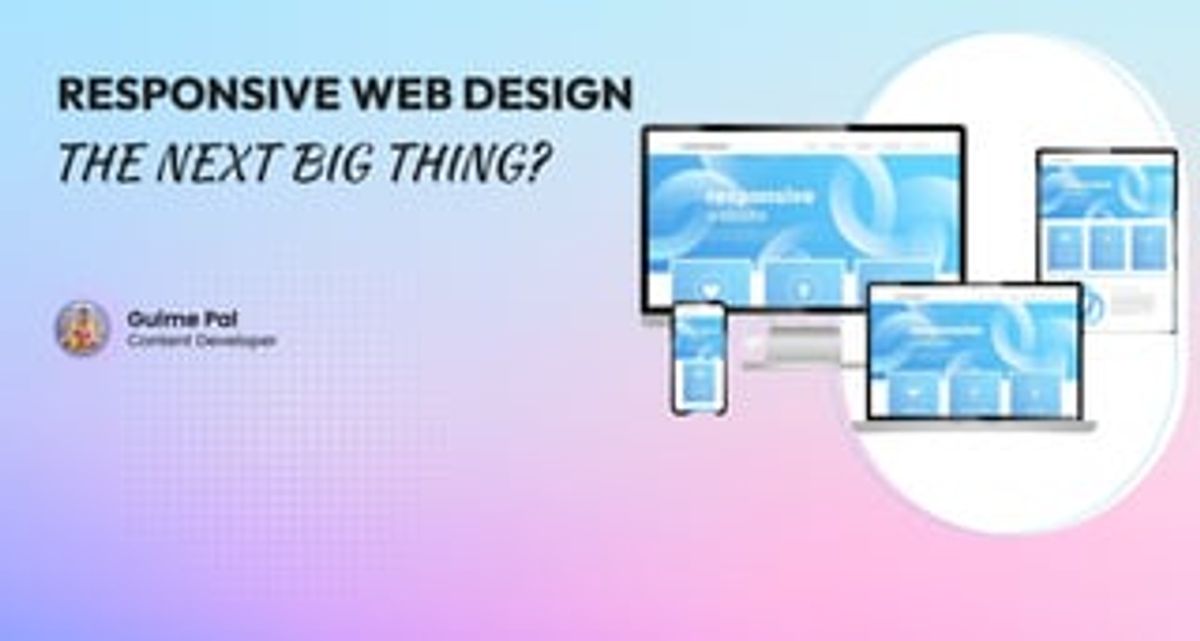
In the digital age, mobile responsiveness is a cornerstone of user-centric website design. With a significant portion of web traffic coming from mobile devices, it’s imperative to ensure that websites perform seamlessly on smartphones and tablets. Responsive design techniques, such as fluid grids and flexible images, are employed to create an adaptable experience across different screen sizes.
- Collapsible menus and touch-friendly elements are essential for navigation on smaller screens.
- Media queries allow for the adjustment of CSS styles based on the device’s characteristics.
- Prioritizing accessibility ensures that all users, including those with disabilities, can navigate the website with ease.
By focusing on mobile responsiveness, designers can provide a consistent and engaging user experience, which is crucial for retaining users and encouraging conversions. Optimizing for mobile not only caters to user preferences but also aligns with search engine optimization best practices, as search engines favor mobile-friendly sites.
The table below summarizes the benefits of tailoring navigation for different devices:
| Feature | Benefit | Example |
|---|---|---|
| Responsive Design | Ensures optimal navigation | Design interfaces that adapt to screen sizes |
Ultimately, a mobile-responsive design is not just about aesthetics; it’s about creating an intuitive and accessible environment that resonates with the user’s lifestyle and device usage patterns.
Adaptive Design Strategies
Adaptive design strategies are essential for creating a seamless user experience across different devices. Flexibility in design allows for a more inclusive web, catering to diverse user preferences and needs. By tailoring navigation and interfaces to various devices, users gain a sense of control and efficiency in their interactions.
Iterative design and optimization are key components of adaptive strategies. This involves gathering user feedback, analyzing navigation metrics, and making continuous improvements to ensure optimal performance.
Optimizing performance, security audits, scalable web design, effective caching, and continuous monitoring contribute significantly to the health and speed of a website. WordPress expertise, in particular, plays a crucial role in achieving these goals. Below is a table highlighting the benefits of tailoring navigation for different devices:
| Feature | Benefit | Example |
|---|---|---|
| Tailoring Navigation for Different Devices | Ensures optimal navigation across various devices | Design responsive interfaces that adapt to different screen sizes |
Cross-Platform Usability Testing
Cross-platform usability testing is essential to ensure that users receive a consistent experience regardless of the device or platform they use. Testing across different devices and operating systems can highlight discrepancies that might not be evident during the design phase. This process involves a series of checks and iterations to identify and rectify issues that could lead to user frustration.
By optimizing website performance and implementing strategies such as minimizing scripts and leveraging caching, we can significantly improve the cross-platform user experience. Async loading, lazy loading, and plugin reduction are also key to creating faster, more resilient sites.
The benefits of thorough usability testing are manifold, including the identification of usability issues, validation of design decisions, and the provision of insights for improvement. Ultimately, this leads to enhanced user satisfaction and a more engaging user experience. Below is a list of key steps in the cross-platform usability testing process:
- Conducting initial testing on a variety of devices and operating systems
- Analyzing navigation metrics and user interactions
- Iterating on design based on feedback and test results
- Finalizing the design for launch with confidence in its cross-platform performance
Enhancing Website Navigation

Intuitive Menu Structures and Clear Labeling
Creating an intuitive menu structure with clear labeling is crucial for a seamless user experience. Organizing content into logical categories and subcategories helps users navigate with ease, leading them directly to the information or features they seek.
- Clear Labeling: Ensure each menu item is labeled clearly and descriptively, leaving no room for ambiguity.
- Logical Hierarchy: Display primary sections prominently, with secondary and tertiary options nested appropriately beneath them.
By adhering to these principles, you can significantly reduce the cognitive load on users and enhance the overall usability of your website.
Consistency across the menu’s placement, design, and functionality is essential. It reinforces user familiarity and confidence as they move through your site. Remember to use descriptive and concise labels for menu items, steering clear of jargon that may confuse users.
Information Architecture and Hierarchy
Effective information architecture is crucial for creating a user-friendly website. It involves organizing content in a way that allows users to intuitively understand the hierarchy and find information quickly. A logical structure is akin to a well-organized library, where books are categorized for easy discovery. This reduces cognitive load and enhances user satisfaction.
By prioritizing information structure, websites and mobile apps become more navigable, leading to a user-centric UX design.
Here are some tips to achieve a streamlined menu hierarchy:
- Organize content into logical categories and subcategories.
- Use descriptive and concise labels for menu items.
- Provide a visual hierarchy within the menu to highlight important sections.
Remember, a sitemap is not just a list of pages; it presents the hierarchy and structure, showing the relationships between pages and their goals. Incorporating search functionality and filters can further improve navigation, allowing users to find specific content based on their needs.
The Role of Navigation in User Retention and Conversion
Effective navigation is a cornerstone of a user-centric website design, directly influencing user retention and conversion rates. When visitors can intuitively find their way around your site, they’re more likely to stay engaged and take desired actions, such as making a purchase or signing up for a newsletter.
Navigation is not just about moving from one page to another; it’s about creating a journey that aligns with user expectations and business goals.
To illustrate the impact of well-designed navigation on user experience and business outcomes, consider the following points:
- Improved Engagement and Conversion: User-friendly navigation leads to increased user engagement and higher conversion rates.
- Optimized Experience for Different User Roles: Personalized menus and role-based access enhance usability and satisfaction.
- Continuous Improvement: Iterative design and user testing ensure navigation remains effective over time.
By focusing on these aspects, businesses can create a navigation structure that not only serves the functional needs of users but also contributes to a stronger brand-customer relationship.
Leveraging Visual Design for Brand Identity

Cohesive Aesthetics and Brand Representation
Achieving a cohesive aesthetic is crucial for brand representation on a website. It’s about creating a consistent visual language that embodies the brand’s values and resonates with the target audience. This includes the strategic use of iconography, color themes, fonts, and patterns that your audience associates with your brand identity.
A cohesive brand aesthetic is not just about visuals; it extends to terminology, tone of voice, and brand personality. Users should instinctively recognize the brand across all platforms.
To ensure consistency, it’s essential to document your brand’s visual and communicative elements in a style guide. This guide becomes the reference point for all design decisions, ensuring that every element from the logo to the website layout reflects the consistency of visual identity. Moreover, clear calls-to-action (CTAs) should integrate seamlessly with the design, guiding users without disrupting the brand narrative.
Remember, your brand is not a robotic entity; it’s by humans, for humans. A brand identity that talks to your audience will foster trust and engagement. Below is a list of design elements to consider when creating your visual identity:
- Design your logo
- Select a color palette
- Choose typography
- Develop iconography
- Establish a brand voice
By meticulously crafting these elements, you can create a brand experience that is both innovative and user-friendly, balancing the fine line between standing out and ensuring usability.
Visual Hierarchy and Attention to Detail
The role of visual hierarchy in web design cannot be overstated. It is the strategic arrangement of elements to signify importance and guide the user’s attention. This is achieved through the use of size, color, contrast, and placement, ensuring that the most critical information stands out and is easily digestible.
Effective visual hierarchy aids in creating a seamless user experience, where users can navigate content intuitively. For instance, larger fonts typically indicate headings or important calls to action, while a subtle change in color might highlight secondary information. Attention to detail in these areas contributes to a website’s usability and aesthetic appeal.
By mastering visual hierarchy, designers can create a clear path for users to follow, making their interaction with the website more purposeful and straightforward.
Here are some practical tips to enhance visual hierarchy:
- Use contrasting colors for text and background to improve readability.
- Employ varying font sizes to establish a clear order of content importance.
- Integrate whitespace strategically to prevent information overload.
- Align elements consistently to create a sense of order and professionalism.
Balancing Innovation with User-Friendly Interfaces
In the realm of web design, innovation must be balanced with user-friendly interfaces to ensure a seamless user experience. One strategy is to adopt a minimalist design philosophy, emphasizing simplicity and clarity. By removing unnecessary elements and focusing on essential features, designers can create interfaces that are both innovative and intuitive.
Flexibility and efficiency are key to user-centric design. Flexibility allows for customizable interfaces and personalized workflows, while efficiency ensures tasks can be completed with minimal effort.
It’s crucial to remember that while aesthetics are important, they should not come at the cost of usability. Users should be able to navigate a website without feeling overwhelmed or confused. This approach not only retains users but also encourages them to engage more deeply with the content.
- Label elements clearly
- Ensure seamless navigation
- Consider information hierarchy
By carefully considering these aspects, designers can craft experiences that are both visually striking and functionally sound.
The Process of Creating Engaging User Experiences

Identifying and Addressing User Pain Points
To create an engaging user experience, it’s crucial to identify and address user pain points effectively. This involves a deep dive into user feedback and usability testing to uncover areas where users may struggle or feel frustrated. By analyzing navigation metrics and observing user interactions, we can pinpoint specific issues that detract from the user experience.
- Gather customer feedback through surveys, interviews, and direct observations.
- Conduct user testing sessions to observe interactions and identify friction points.
- Analyze website health audits for insights into performance, security, and usability.
Once pain points are identified, it’s essential to develop targeted solutions that address these issues, thereby enhancing user satisfaction and retention. This may include optimizing website performance, improving navigation structures, or refining content to better meet user expectations.
Kickstarting the UX Design Process
To kickstart the UX design process, it’s crucial to establish a foundation that prioritizes the user at every stage. Begin by assembling a UX team that brings together a diverse range of expertise and experience. This collaborative approach can lead to faster, higher-quality results that align with user expectations and fit within your design budget.
The process typically follows these steps:
- Strategy development through discovery and brainstorming.
- Design phase where the creative team develops a user-friendly and aesthetically pleasing interface.
- Development of the design into a functional product.
- Quality assurance to eliminate bugs and ensure high standards.
- Post-launch monitoring to quickly address any new issues.
By focusing on a user-centric strategy from the outset, you can ensure that the final product not only meets but exceeds user needs, leading to increased satisfaction and engagement.
Remember, the goal is to deliver a seamless and enjoyable experience that impresses users and meets business objectives. Regular usability audits and performance optimizations are essential to maintain and improve the website’s effectiveness over time.
Post-Launch Monitoring and Continuous Improvement
After a website launch, the journey towards enhancing user experience doesn’t end. It’s crucial to monitor user engagement and behavior to identify areas for improvement. By defining your tracking goals, you can measure specific user actions and behaviors that are critical to your site’s success.
Continuous improvement is a cycle of analyzing performance, learning from metrics, and refining strategies. This iterative process ensures that your website remains aligned with user needs and business objectives.
To effectively track and measure performance, consider the following steps:
- Implement tools for tracking conversions, performance, and user interaction.
- Analyze the data to understand user behavior and site performance.
- Identify opportunities for improvement based on the insights gained.
- Make informed decisions to enhance the website’s user experience.
Remember, post-launch support is about being proactive and responsive to the feedback and data collected. It’s about making incremental changes that can lead to significant gains in user satisfaction and conversion rates.
Creating engaging user experiences is at the heart of what we do at AM2. Our team of experts specializes in WordPress Development, eCommerce solutions, and custom web design that not only meets but exceeds your business needs. With a proven track record of over 700 successful projects, we’re ready to help you achieve results that resonate with your audience. Don’t just take our word for it; explore our portfolio and see the difference we can make. Ready to transform your digital presence? Visit our website and let’s start crafting your success story together.
Conclusion
In conclusion, a user-centric website design approach is essential for creating engaging user experiences that not only meet the needs of your audience but also drive conversions and foster brand loyalty. By prioritizing usability, embracing simplicity, and ensuring mobile responsiveness, businesses can craft websites that resonate with users and support their journey from the first click to the final action. As we’ve seen through various projects, from NFT platforms to local initiatives, a well-executed design strategy that focuses on the user can lead to improved engagement and satisfaction. Remember, the key to a successful user experience is understanding and addressing user pain points, optimizing for multiple devices, and maintaining a human-first approach in all design and development processes.
Frequently Asked Questions
What is user-centric website design?
User-centric website design is an approach that focuses on the needs, preferences, and behaviors of the website’s target audience. It aims to create a seamless and enjoyable user experience by prioritizing usability, accessibility, and intuitive navigation.
Why is mobile responsiveness important in web design?
Mobile responsiveness ensures that a website provides an optimal viewing experience across different devices, including smartphones and tablets. It’s important because it affects user engagement, accessibility, and search engine rankings.
How does simplicity in design enhance user engagement?
Simplicity in design removes unnecessary elements that could distract or confuse users. It focuses on essential content and functionality, making the website easier to navigate and interact with, thus enhancing user engagement.
What role does visual design play in brand identity?
Visual design is crucial for brand identity as it uses cohesive aesthetics, color schemes, typography, and imagery to convey the brand’s values and personality. It helps in creating a memorable brand experience for users.
How can website navigation impact user retention and conversion?
Good website navigation allows users to find information quickly and easily, improving their overall experience. Intuitive navigation can lead to higher user retention rates and increased likelihood of conversion.
What is the importance of post-launch monitoring in UX design?
Post-launch monitoring is important to identify and fix any issues that users may encounter. It helps in continuously improving the user experience and ensuring the website performs well over time.