Crafting Memorable User Experiences with Intuitive Design

In the dynamic realm of digital design, crafting memorable user experiences is pivotal for establishing a strong connection between users and brands. Intuitive design plays a crucial role in guiding users effortlessly through a digital narrative, fostering engagement, and enhancing overall satisfaction. This article delves into the essence of intuitive design and its profound impact on user experience, offering insights into the strategies that make interfaces user-friendly and memorable.
Key Takeaways
- Intuitive design is rooted in a deep understanding of user needs and behaviors, resulting in interfaces that feel natural to navigate.
- Effective information architecture simplifies user journeys, reduces confusion, and enhances the likelihood of successful interactions.
- Emotional engagement in design can significantly boost user retention by creating positive experiences that resonate with users.
- Balancing privacy with personalization is key to maintaining user trust while delivering tailored experiences that increase relevance.
- Continuous improvement through analytics and user feedback is essential for evolving design strategies that align with user expectations.
The Pillars of Intuitive Design: Enhancing User Experience

Understanding User Needs and Behaviors
At the heart of intuitive design lies a deep understanding of user needs and behaviors. This foundational step is about more than just aesthetics; it’s about grasping the essence of what users require from your product to solve their problems effectively. To achieve this, designers engage in various research methods, such as interviews, surveys, and data analysis, to gather insights that drive the design process.
- User Personas: Crafting detailed profiles that represent different user segments.
- User Journey Mapping: Outlining the steps users take to achieve their goals, highlighting potential friction points.
- Heuristic Evaluation: Assessing the usability of a product by examining its interface and how users interact with it.
By placing the user at the center of the design process, we ensure that the final product is not only functional but also resonates with the user on an emotional level. This empathetic approach is what sets intuitive design apart from mere functionality.
Understanding users is not a one-time task but a continuous effort that evolves as user needs change. It’s a cycle of learning, adapting, and refining to ensure that the product remains relevant and user-friendly.
Simplifying Navigation Through Information Architecture
Effective information architecture (IA) is the backbone of intuitive design, ensuring that users can navigate a digital space with ease and efficiency. Clear organization and logical structuring of content allow users to find the information they need without confusion or frustration. Here are some key steps to simplify navigation:
- Organization Matters: Structure content logically and hierarchically.
- Effortless Exploration: Ensure navigation menus are clear and consistent.
- Prioritize Content: Use visual hierarchy to guide users’ attention.
- Breadcrumb Navigation: Implement to indicate users’ current position.
By reducing distractions and emphasizing key elements, we design experiences that are visually appealing and straightforward to use.
In today’s digital landscape, where information overload is common, simplicity in navigation is not just a luxury—it’s a necessity. Intuitive design emphasizes user psychology and simplified navigation for engaging, efficient experiences. Understanding user needs, emotions, and behaviors is key to creating user-centered designs.
Designing for Emotional Engagement
Creating a connection with users on an emotional level is a cornerstone of intuitive design. It’s about more than just aesthetics; it involves understanding the psychological impact of design choices and how they influence user behavior. By tapping into emotions, designers can foster a sense of attachment and loyalty towards a product.
Emotional design is not just about the right choice of colors or typography, but also about crafting experiences that resonate with the user’s feelings and aspirations.
For instance, consider the emotional response elicited by different types of typography and colors: serif fonts and darker hues often convey a sense of seriousness, while sans-serif fonts and brighter colors can evoke feelings of joy and excitement. Here’s a simple breakdown of how design elements can align with emotional responses:
| Design Element | Emotional Response |
|---|---|
| Serif Fonts | Seriousness |
| Dark Hues | Sobriety |
| Sans-serif Fonts | Excitement |
| Bright Colors | Joy |
In practice, this means observing and integrating user feedback, conducting in-depth interviews, and employing empathetic research to truly understand the user’s needs and desires. By doing so, designers can create more engaging and satisfying experiences that not only meet functional requirements but also delight users.
Maximizing Usability: Strategies for User-Friendly Interfaces
Prioritizing Clarity and Consistency
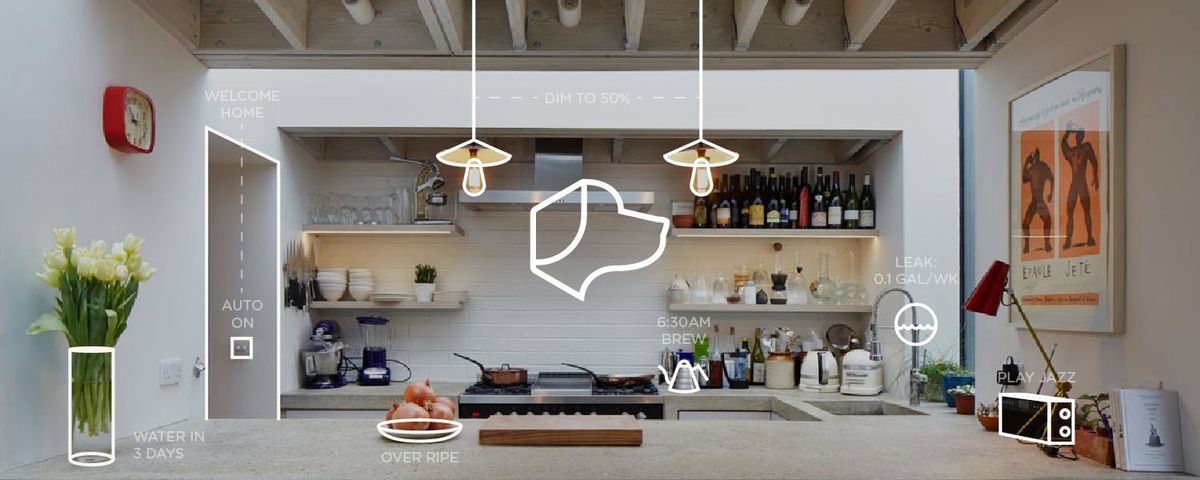
In the realm of user interface design, clarity and consistency are key to ensuring a user-friendly experience. Users expect to interact with interfaces that are straightforward and predictable. This means employing design elements that are easily recognizable and maintaining uniformity across the platform.
- Clear Information Architecture: Organize content logically with well-labelled categories and internal linking for intuitive navigation.
- Visual Hierarchy: Use size, color, and spacing to highlight important elements and guide the user’s focus.
- Intuitive Navigation: Ensure menus are consistent and easy to use, reducing the number of clicks to reach desired content.
- User-Friendly Forms: Design forms with clear labels and instructions, and provide helpful error messages.
By reducing complexity and enhancing predictability, we craft intuitive interfaces that facilitate a seamless user experience.
It’s not just about making things look good; it’s about creating an environment where users can achieve their goals with minimal frustration. A well-designed interface should guide users through a process, making it as effortless as possible. This approach not only improves usability but also fosters trust and satisfaction, which are essential for long-term user engagement.
Error Prevention and Recovery
To create a seamless user experience, error prevention is as crucial as designing an intuitive interface. By implementing clear form validation and providing context-sensitive help, users are guided smoothly through their interactions with the website. Suggestions offered in real-time can further prevent errors before they occur, enhancing the overall user experience.
When errors do happen, it’s essential to have mechanisms in place for quick recovery. This not only minimizes frustration but also maintains user trust in the platform.
Effective error reporting systems, like those integrating with Bugsnag and NewRelic, allow for immediate identification and resolution of issues. This proactive approach to error management ensures that users are not left stranded and can continue their journey with minimal disruption.
- Clear form validation
- Context-sensitive help
- Real-time suggestions
- Robust error reporting
AM2 Studio’s commitment to robust maintenance services and their glowing client testimonials are a testament to the effectiveness of such strategies in crafting unique digital experiences.
Adaptive and Responsive Design Techniques
In the realm of user experience, adaptive and responsive design techniques are crucial for creating interfaces that cater to a wide range of devices and screen sizes. Responsive design ensures that content fluidly adjusts to different screen resolutions, providing accessibility for all users. It’s essential to test across various devices to identify and rectify any usability issues, especially on smaller screens.
Adaptive design takes a step further by tailoring the experience to the user’s context, such as the device being used or the user’s location. This approach can involve creating multiple versions of a site or using server-side detection to serve different content or layouts.
By prioritizing content and implementing touch-friendly components, designers can streamline user flows and optimize performance. Modular design allows for flexibility and easier maintenance, while designing for accessibility ensures that the experience is inclusive for everyone.
Best practices for responsive and adaptive interfaces include the use of modular design, touch-friendly components, and testing for compatibility. It’s also important to design for accessibility, ensuring that the interface is usable by people with various impairments. To optimize performance, streamline user flows and consider emotional design to evoke positive user engagement.
Privacy and Personalization: Balancing User Trust with Customization
Implementing Transparent Privacy Policies
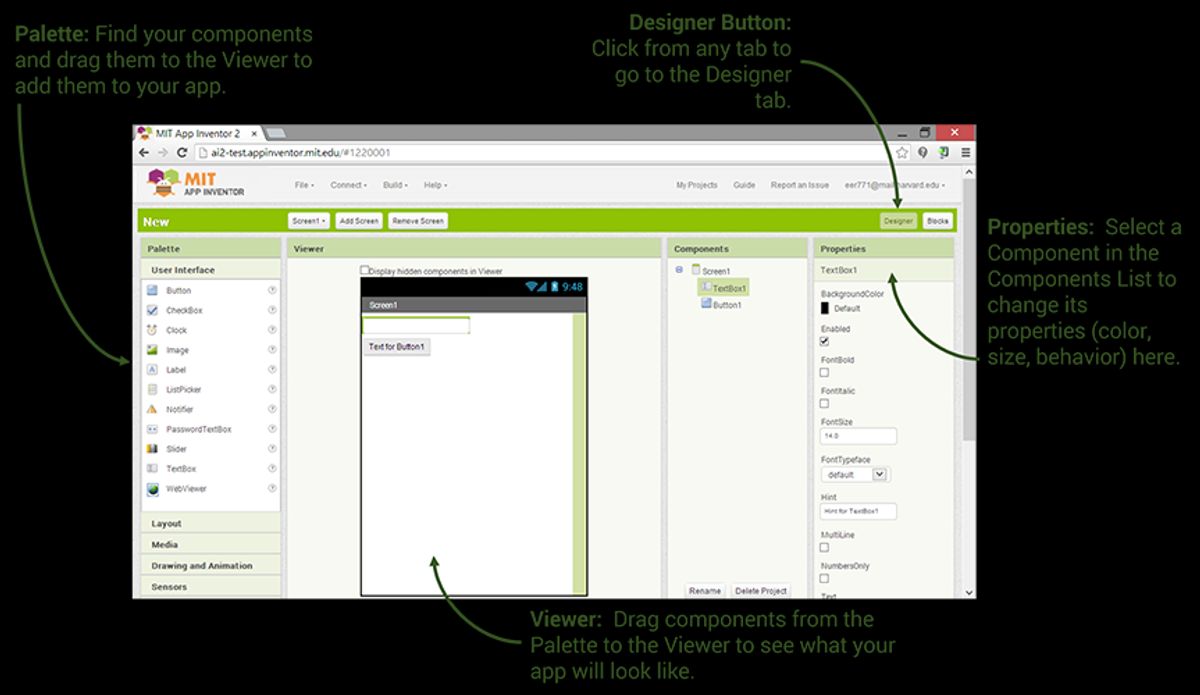
In the realm of intuitive design, transparency in privacy policies is not just a legal requirement; it’s a cornerstone of user trust. Designers create user-centric experiences by prioritizing privacy, personalization, and trust. Clear communication about how user data is collected, used, and protected helps demystify the user’s digital journey, fostering a sense of security and control.
By clearly informing users about the default settings and their implications for privacy, we empower them to make informed decisions. This progressive disclosure aligns with the principles of ‘Privacy by Design’ and ensures that users are not overwhelmed with information, but rather are provided with it as they need it.
To achieve this, a structured approach is essential. Here’s a simplified breakdown of how privacy settings can be presented to the user:
- Essential: Necessary for basic site functionality and security.
- Preferences: Remembers user settings and preferences.
- Statistics: Gathers data to improve user experience.
- Marketing: Used for personalized advertising and content.
Each category should be accompanied by easy-to-use controls, allowing users to opt in or out according to their comfort level. This not only upholds user rights but also aligns with performance measurements that prioritize user satisfaction.
Leveraging User Data Responsibly
In the realm of UX design, responsibly leveraging user data is crucial for creating personalized experiences without compromising privacy. By understanding user needs and behaviors, designers can tailor interactions to individual preferences, enhancing the overall experience. However, this must be balanced with a commitment to data protection and user rights.
Progressive Disclosure: Don’t overwhelm users with information upfront. Reveal content progressively based on user interactions, such as using accordions or tabs to manage complex information structures.
The following list outlines key considerations for responsible data usage:
- Ensuring transparency about how user data is collected and used
- Obtaining explicit consent from users before collecting personal data
- Implementing robust security measures to protect user data
- Providing users with control over their personal information
- Regularly reviewing and updating privacy policies to reflect current practices
By adhering to these principles, companies can foster trust and build a Privacy by Design culture that respects user privacy while still delivering customized experiences.
Creating Personalized User Experiences
In the realm of UX design, personalization is the cornerstone of creating an experience that feels uniquely tailored to the user. By leveraging user data responsibly, designers can craft interfaces that not only resonate with users but also anticipate their needs. This approach can lead to increased user engagement and satisfaction.
Personalization strategies should be implemented with a keen awareness of user privacy. Balancing the benefits of customization with the need for data protection is crucial.
To achieve this balance, consider the following steps:
- Design with intention, ensuring that every element serves a purpose.
- Provide quick feedback to user interactions, making the experience feel responsive.
- Practice minimalism by avoiding unnecessary features that can clutter the interface.
- Ensure consistency across the platform to reinforce user learning and confidence.
- Test and refine based on user feedback, continually adapting to user preferences.
Ultimately, the goal is to balance user privacy with customization, offering transparency and control while collecting minimal data necessary for personalized experiences.
From Concept to Launch: The UX Design Process

Empathetic Research and User Profiling
At the heart of user-centric design lies empathetic research, a process that goes beyond mere data collection. It involves delving into the lives of users, understanding their emotions, needs, and motivations. This deep dive is not just about observing behavior but about gaining insights that drive meaningful design solutions.
To begin with, user interviews and surveys are essential tools. They provide direct feedback and reveal the underlying reasons behind user actions. However, the true essence of empathy comes from qualitative methods like ethnographic studies, which allow designers to immerse themselves in the user’s environment.
Building an empathy map is a critical step. It helps in visualizing and articulating what we know about a particular user group. The map captures users’ thoughts, feelings, and experiences, which can then inform design decisions.
The goal is to create a profile that represents the user in their truest form. This profile serves as a constant reference throughout the design process, ensuring that the end product resonates with the user on a personal level.
Iterative Design and Prototyping
The UX design process is a systematic and structured series of actions, crucial for crafting user experiences that resonate with the audience. It begins with low-fidelity wireframes to outline the website’s structure, followed by the creation of interactive prototypes. These prototypes are essential for testing user flows and gathering feedback, which informs further refinement.
Iterative design is a cycle of experimentation, feedback, and improvement. Emphasizing iteration ensures that designs evolve to meet the ever-changing needs of users.
Usability testing is a pivotal step in this process, allowing designers to identify and solve real user problems. The design cycle continues even after launch, with ongoing testing and user feedback leading to continuous enhancements. This multi-disciplinary approach ensures that the final product is not only functional but also intuitive and engaging for the user.
Quality Assurance and User Testing
Quality assurance (QA) and user testing are critical to ensuring that a product not only meets technical standards but also delivers a seamless and satisfying user experience. QA specialists meticulously comb through the product, identifying and rectifying any issues that could detract from the user’s interaction. This process is not just about bug hunting; it’s about affirming the product’s integrity and its alignment with user-centric design principles.
User testing, on the other hand, brings invaluable insights directly from the target audience. It’s a reality check for the product’s usability and appeal. By observing real users as they navigate the interface, designers and developers can pinpoint areas for improvement that might have been overlooked. A typical user testing session might include tasks like:
- Completing a specific action or workflow
- Finding information within the app or website
- Providing feedback on the look and feel
The goal is to refine the product until it not only functions flawlessly but also resonates with users, creating an intuitive and engaging experience.
Ultimately, the combination of rigorous QA and empathetic user testing forms a robust feedback loop. It’s a cycle of continuous refinement that elevates the product from good to great. As the snippet suggests, this focus on intuitive navigation, clear labeling, and responsive interfaces, underpinned by continuous testing and analysis, leads to optimized user satisfaction.
Measuring Success: Analytics and User Feedback in UX
Setting and Tracking UX Metrics
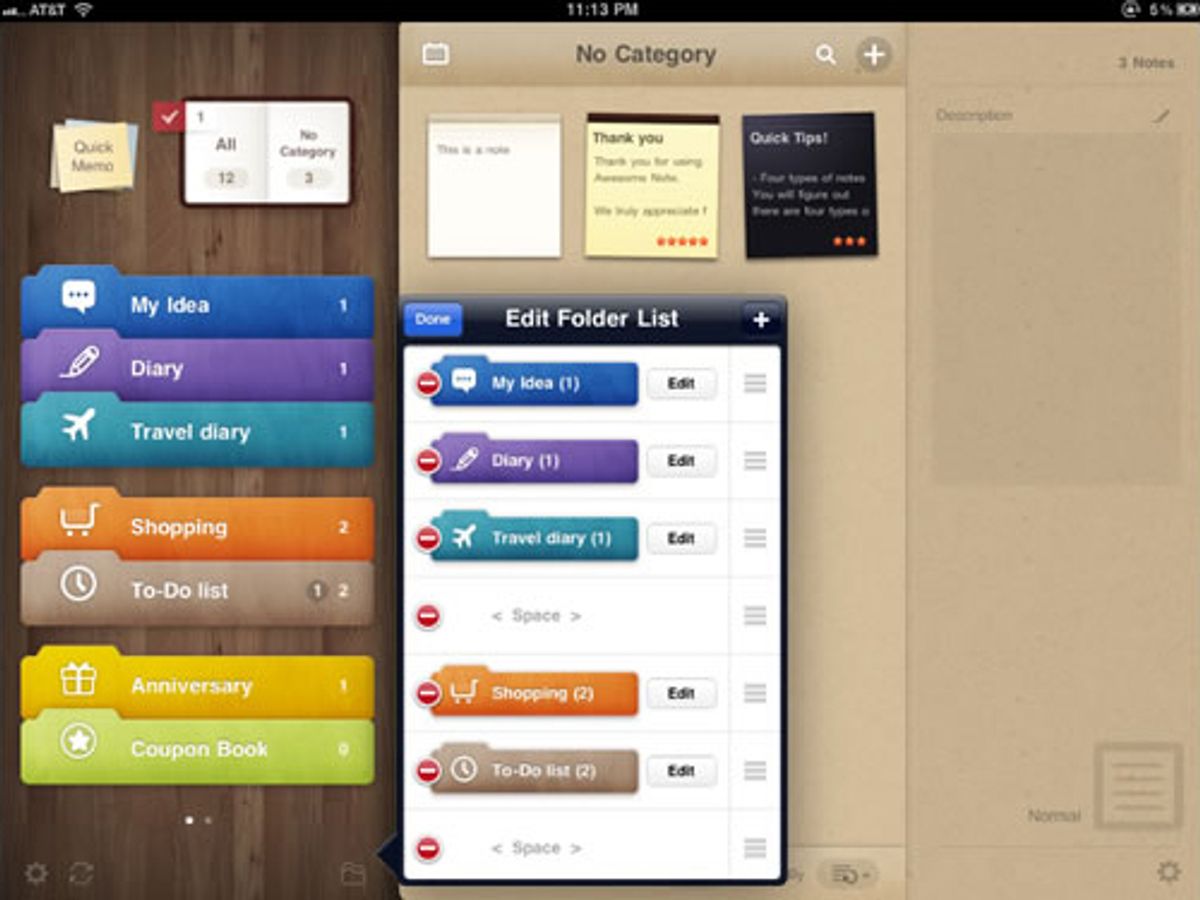
To ensure that user experiences are not only well-designed but also effective, setting and tracking UX metrics is crucial. These metrics provide a quantitative basis for evaluating the success of a design and understanding user interactions. Common metrics include user engagement, conversion rates, and task completion times.
- User Engagement: Measures how actively users interact with a product.
- Conversion Rates: The percentage of users who take a desired action.
- Task Completion Time: The time it takes for a user to complete a specific task.
By continuously monitoring these metrics, teams can identify trends, make informed decisions, and iterate on design elements to enhance the overall user experience.
Analytics are essential for crafting user experiences by tracking user interactions, analyzing data, and making iterative improvements based on user behavior and feedback. It’s not just about collecting data, but also about interpreting it to make meaningful changes that resonate with users.
Gathering and Acting on User Feedback
Once a product is launched, the design process transitions into a new phase of continuous improvement. User feedback becomes a critical component of this cycle, providing insights that can lead to incremental enhancements or significant pivots. There are various methods for collecting feedback, such as customer feedback surveys, user interviews, and polls. Each method serves a unique purpose and caters to different aspects of user experience.
Acting on user feedback is not just about collecting data; it’s about translating insights into actionable improvements that resonate with users.
To systematically gather and analyze user feedback, consider the following steps:
- Identify the key metrics that align with your product goals.
- Utilize tools and platforms that facilitate feedback collection and analysis.
- Prioritize feedback based on its potential impact on user experience and business objectives.
- Develop a roadmap for implementing changes and communicate this back to users.
By engaging in this iterative process, designers and product managers can ensure that the product evolves in a way that is both user-centric and goal-oriented.
Continuous Improvement and A/B Testing
The journey to crafting memorable user experiences is ongoing, with continuous improvement at its core. By leveraging A/B testing, designers can make data-driven decisions that refine the user journey, ensuring simplicity, consistency, and mobile-friendliness. This iterative process not only enhances UX but also drives higher conversion rates.
The key to successful A/B testing is not just in the execution but in the analysis of results. It’s essential to measure the impact of changes and understand user behavior to make informed design improvements.
To effectively track progress and outcomes, consider using tools like Optimizely for A/B testing and Adobe Analytics for deeper insights into user interactions. These platforms can help identify patterns, reduce drop-offs, and ultimately, improve conversion rates. Below is a list of steps to incorporate continuous improvement into your design process:
- Conduct usability testing and refine based on real user interactions.
- Implement performance optimizations to ensure fast loading speeds.
- Gather user feedback through various channels to identify improvement areas.
- Track conversions and user interactions post-launch to learn and suggest further enhancements.
Understanding the impact of your UX design is crucial for continuous improvement. By leveraging analytics and gathering user feedback, you can refine your strategies and enhance user satisfaction. To ensure your website is at the forefront of UX excellence, consider our expert services in WordPress Development, eCommerce development, and custom web design. Visit our website to explore our portfolio and learn how we can elevate your digital presence. Let’s make your user experience remarkable together!
Conclusion
In the realm of digital design, the creation of intuitive and memorable user experiences is paramount. Throughout this article, we’ve explored the multifaceted approach to crafting interfaces that resonate with users, emphasizing the importance of user-centric design, clear information architecture, and emotional engagement. By applying these principles, designers can construct digital narratives that not only captivate but also convert, fostering a seamless journey from the first click to the final conversion. As we continue to navigate the ever-evolving landscape of UI/UX design, it’s clear that the key to success lies in our ability to empathize with users, innovate with purpose, and deliver experiences that leave a lasting impression. Remember, in the competitive digital space, a well-designed user experience can be the differentiator that sets a brand apart and creates loyal customers.
Frequently Asked Questions
What are the core principles of intuitive design?
The core principles of intuitive design include understanding user needs and behaviors, simplifying navigation through effective information architecture, and designing for emotional engagement to create memorable user experiences.
How can usability be maximized in user interfaces?
Maximizing usability involves prioritizing clarity and consistency in design, implementing error prevention and recovery strategies, and utilizing adaptive and responsive design techniques to ensure a seamless experience across different devices.
What is the importance of privacy in UX design?
Privacy is crucial in UX design as it helps build user trust. Implementing transparent privacy policies and leveraging user data responsibly are key to balancing user trust with the benefits of personalization and customization in user experiences.
What does the UX design process involve from concept to launch?
The UX design process from concept to launch involves empathetic research and user profiling, iterative design and prototyping, and thorough quality assurance and user testing to ensure the final product meets user needs and expectations.
How can the success of a UX design be measured?
The success of UX design can be measured using analytics to track UX metrics, gathering and acting on user feedback, and engaging in continuous improvement through methods like A/B testing to refine and enhance the user experience.
What role does user feedback play in UX design?
User feedback is essential in UX design as it provides direct insights into how users interact with a product or service. This feedback is invaluable for identifying pain points, validating design decisions, and informing future improvements.